
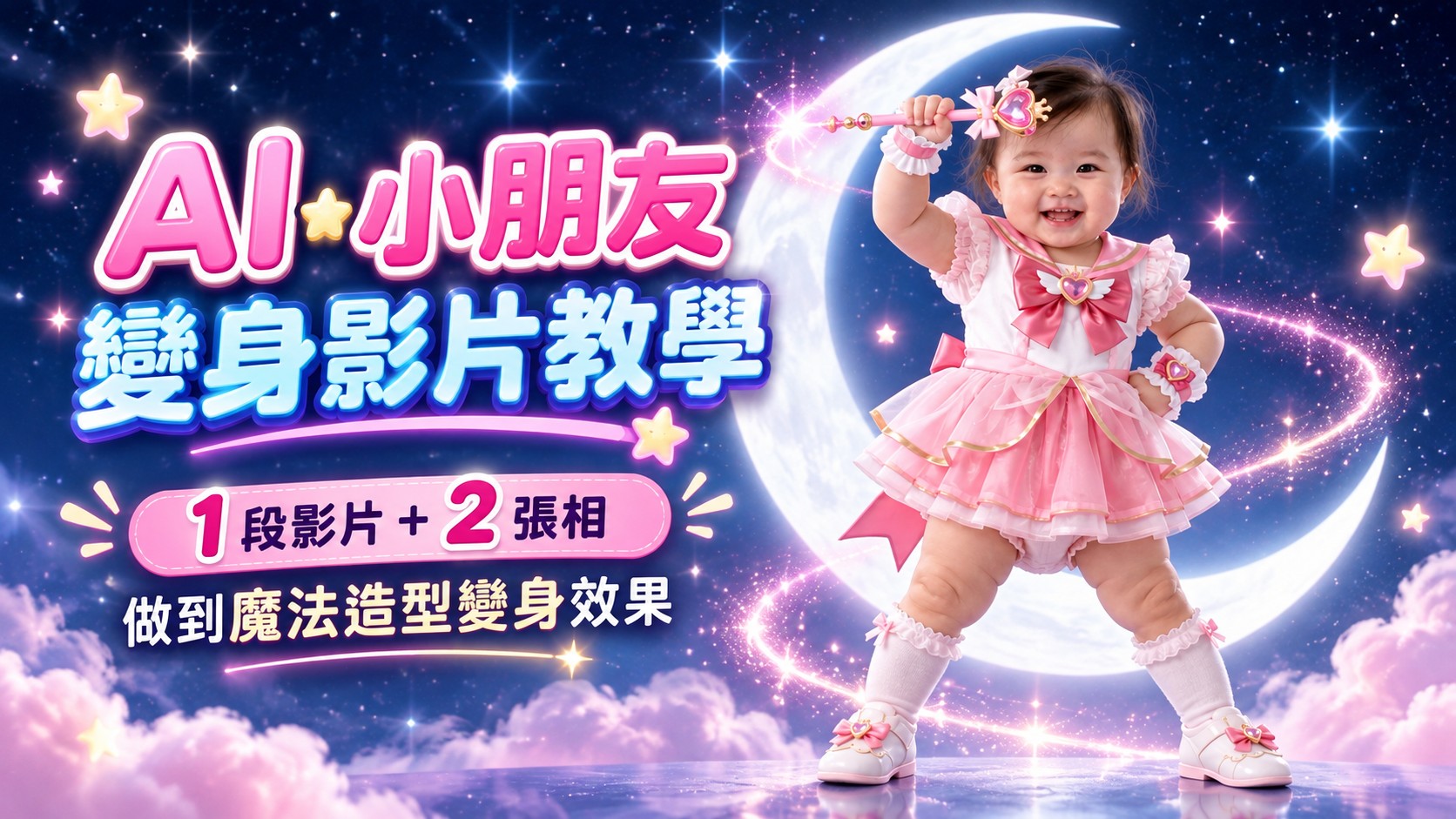
最近見到不少 AI 小朋友魔法變身影片,其實製作方法比想像中簡單。
整個流程最主要只需要準備:
- 1 段變身 Reference Video
- 1 張變身前圖片(IMAGE 1)
- 1 張變身後圖片(IMAGE 2)
圖片可以用 ChatGPT Images 2.5、Gemini Nano Banana Pro 或其他圖片生成工具製作, 最後再放入 Higgsfield Genjutsu → Motion Transfer 生成影片。
準備甚麼?
- 小朋友的參考照片
- 1 段變身 Reference Video
- 圖片生成工具
- Higgsfield 帳戶
STEP 1
準備 Reference Video
首先下載我準備好的變身 Reference Video。
Reference Video 主要負責變身時的動作、節奏、Camera Movement、 Transformation Timing 及 Final Pose。
建議選擇人物清楚、動作完整、鏡頭不太混亂,而且最後有清楚完成 Pose 的影片。
STEP 2
製作變身前圖片 IMAGE 1
先將小朋友照片上傳到你使用的圖片生成工具。
如果只有一張清楚照片亦可以;如果希望結果更接近本人, 可以提供多張臉部清楚、角度自然的參考照片。
Keep the attached child's face and overall appearance as close to the original as possible. Create a full-body image of the child standing naturally and looking directly at the camera. Preserve the child's facial features, hairstyle, skin tone, body proportions, and apparent age as closely as possible to the reference photos. The entire body must be visible from head to toe. Do not reinterpret or redesign the child's face. Preserve the child's original facial identity and distinctive features as accurately as possible. Use a clean, solid black background.完成後,將圖片儲存為 IMAGE 1。
生成後檢查
- 臉部仍然像本人
- 年齡沒有明顯改變
- 身形比例自然
- 人物正面面向鏡頭
- 由頭至腳完整可見
- 背景為黑色純色
STEP 3
製作變身後圖片 IMAGE 2
將剛才生成的 IMAGE 1 上傳到圖片生成工具, 再生成變身完成後的造型。
這一步最重要是保持同一人物、同一張臉、同一年齡感及自然身體比例。
女孩子版本
Keep the child's original face and natural body proportions unchanged while changing only the outfit into a cute and charming magical girl hero costume. The child should stand naturally in an attention pose, looking directly at the camera, against a clean solid black background.

Preserve the girl's original face, facial features, hairstyle, skin tone, apparent age, and natural body proportions as closely as possible to the reference image.

Change only the clothing into a cute, stylish magical girl hero outfit. Keep the girl's identity and facial appearance as close to the reference image as possible.

The child should stand naturally, face the camera directly, and be shown in a complete full-body composition from head to toe.

Do not make the child appear older, taller, thinner, or give her adult-like body proportions.

Do not reinterpret, redesign, or alter the face.

Use a clean, solid black background.
男孩子版本
Keep the child's original face and natural body proportions unchanged while changing only the outfit into a cute magical boy hero costume. The child should stand naturally in an attention pose, looking directly at the camera, against a clean solid black background.

Preserve the boy's original face, facial features, hairstyle, skin tone, apparent age, and natural body proportions as closely as possible to the reference image.

Change only the clothing into a cute, stylish magical boy hero outfit. Keep the boy's identity and facial appearance as close to the reference image as possible.

The child should stand naturally, face the camera directly, and be shown in a complete full-body composition from head to toe.

Do not make the child appear older, taller, thinner, or give him adult-like body proportions.

Do not reinterpret, redesign, or alter the face.

Use a clean, solid black background.
完成後,將圖片儲存為 IMAGE 2。
STEP 4
進入 Higgsfield Genjutsu
準備好以下 3 個檔案:
- Reference Video
- IMAGE 1
- IMAGE 2
然後進入:
將 Reference Video 放到 Motion Reference, 再加入 IMAGE 1 和 IMAGE 2。
STEP 5
加入 Transformation Prompt
上傳好三個素材後,把以下 Prompt 原文貼入 Higgsfield。
Use the provided REFERENCE VIDEO as the primary and fixed reference for the magical transformation sequence, transformation timing, cinematic energy, camera motion, visual progression, transformation choreography, final reveal, ending pose, and overall pacing.

Use the TWO PROVIDED BABY IMAGES as strict appearance references.

IMAGE 1 = BEFORE TRANSFORMATION REFERENCE

The baby must start exactly as shown in IMAGE 1.

IMAGE 2 = AFTER TRANSFORMATION REFERENCE

The transformation must finish with the baby exactly as shown in IMAGE 2.

Do not reinterpret, redesign, simplify, alter, or introduce additional details to either appearance.

Throughout the entire sequence, maintain the exact same baby's facial identity, age, hairstyle, facial proportions, body shape, and natural infant/toddler proportions shown in the provided reference images.

The baby must NEVER become taller, thinner, older, or more adult-like at any point during the transformation.

# ==================================================
BABY BODY PROPORTIONS — EXTREMELY IMPORTANT

Maintain a naturally cute toddler physique with a relatively large head, short neck, compact torso, short chubby arms, short chubby legs, small hands, and small feet.

The arms and legs must remain visibly short and baby-like throughout the entire transformation.

Do not extend or lengthen the arms or legs for dramatic posing or cinematic movement.

Preserve the original leg-to-body ratio and arm-to-body ratio shown in the provided baby photographs.

Every body movement and pose must respect the baby's realistic toddler anatomy and natural physical proportions.

The hands must remain small and anatomically natural, with exactly five fingers on each hand.

The feet must remain small and anatomically natural, with exactly five toes on each foot.

No additional fingers, missing fingers, fused fingers, stretched fingers, extra toes, malformed hands, malformed feet, twisted limbs, elongated limbs, duplicated limbs, or adult-like body proportions.

# ==================================================
TRANSFORMATION SEQUENCE

The baby starts exactly as shown in IMAGE 1.

Follow the transformation progression, rhythm, motion, and visual energy established by the REFERENCE VIDEO.

A gentle magical glow gradually begins to appear around the baby's body.

Tiny shimmering particles and delicate points of light begin drifting through the surrounding space.

Glowing ribbons of pale blue, soft white, silver, iridescent pastel light, and subtle cosmic energy gently move around the baby's compact body.

The magical energy should flow naturally around the baby without altering or stretching the baby's anatomy.

The appearance shown in IMAGE 1 gradually transitions into the appearance shown in IMAGE 2.

The transition must feel smooth and continuous rather than resembling a sudden image replacement.

Soft luminous energy moves around the baby's torso, arms, and short legs as the transformation develops.

Elements from IMAGE 1 gently dissolve into sparkling light particles while the corresponding elements from IMAGE 2 naturally emerge through the magical glow.

Do not create intermediate costumes, accessories, hairstyles, or visual elements that are not supported by the provided images.

Avoid sudden replacements or hard cuts between IMAGE 1 and IMAGE 2.

The transformation should feel seamless, elegant, magical, dreamy, and visually satisfying.

During the transformation, use graceful sparkling trails, luminous outlines, translucent magical ribbons, small star-like particles, cosmic dust, soft lens glints, iridescent reflections, and subtle waves of glowing energy.

Keep the magical effects visually beautiful and cinematic rather than explosive or aggressive.

Do not cover or obscure the baby's face for extended periods.

The baby's face must remain recognizable and visually consistent whenever it is visible.

# ==================================================
DREAMCORE COSMIC ENVIRONMENT

Create a surreal and dreamy cosmic transformation environment.

The entire scene should take place within an ethereal, dreamlike universe rather than a realistic physical setting.

Use deep midnight blue, indigo, violet, pale blue, and subtle pastel tones to create the cosmic atmosphere.

Surround the baby with distant stars, drifting particles, soft cosmic dust, dreamy nebulous clouds, translucent waves of light, faint celestial glows, and subtle iridescent gradients.

The background should feel endless, weightless, surreal, nostalgic, whimsical, and dreamcore.

Create the sensation of a magical dream suspended somewhere between outer space and an imaginary fantasy realm.

Soft glowing halos and circular waves of light may appear behind the baby during important transformation moments.

Small stars and shimmering particles may slowly drift across different depths of the scene to create a sense of dimensionality.

Occasional dreamy light blooms, softly focused celestial shapes, floating luminous particles, and gentle atmospheric haze may appear in the distance.

Keep the environment visually beautiful while maintaining a spacious composition.

The baby must always remain the strongest visual focus.

Avoid realistic rooms, furniture, buildings, streets, text, logos, crowds, or other distracting elements.

The atmosphere should feel innocent, fantastical, magical, cosmic, ethereal, and suitable for a baby.

# ==================================================
CAMERA

Follow the overall camera language and cinematic progression established by the REFERENCE VIDEO while prioritizing the baby's anatomy and identity.

Keep the baby centered during the main transformation moments.

Prefer full-body framing whenever possible so the baby's naturally short toddler proportions remain clearly visible.

Camera movement should feel smooth, floating, magical, and cinematic.

The camera may gently orbit, move closer, pull back, or float around the baby whenever appropriate to the reference transformation.

Do not use perspective distortion that causes the baby's legs to appear longer.

Do not use extreme low-angle camera shots.

Do not stretch or distort the baby's body simply to fill the frame.

Maintain the baby's original body proportions throughout every camera movement.

# ==================================================
FINAL REVEAL & ENDING POSE — IMPORTANT

Once the transformation is fully complete, clearly reveal the baby exactly as shown in IMAGE 2.

Do not end the video immediately once the transformation is finished.

Include a distinct FINAL HERO MOMENT after the transformation has been completed.

The magical energy gradually settles and opens around the baby, clearly revealing the complete transformed appearance shown in IMAGE 2.

The baby then naturally moves into a cute and confident final ending pose inspired by the final pose and timing of the REFERENCE VIDEO.

The ending pose must remain physically appropriate and realistic for an actual toddler.

Keep the pose simple, stable, adorable, and achievable with the baby's naturally short arms and short legs.

Do not force the baby into an adult fashion pose, an exaggerated superhero stance, an unnaturally wide stance, or any anatomically difficult position.

During the final pose, gently pull the camera backward or stabilize it into a clean full-body hero composition.

A soft celestial halo or luminous cosmic glow appears behind the baby.

Shimmering particles, tiny stars, and magical light trails gradually settle around the baby.

Clearly hold the completed pose for a brief moment so the viewer can recognize the final IMAGE 2 appearance.

The final frame should feel like a satisfying conclusion to the magical transformation sequence.

Finish with the baby holding the final pose while the surrounding cosmic particles and dreamlike glow gradually fade away.

# ==================================================
CRITICAL CONSISTENCY RULES

Only one baby.

The same baby from beginning to end.

IMAGE 1 is strictly the BEFORE transformation reference.

IMAGE 2 is strictly the AFTER transformation reference.

Do not describe, assume, or introduce specific clothing, colors, accessories, or styling beyond what is actually visible in IMAGE 1 and IMAGE 2.

No facial morphing.

No identity changes.

No age progression.

No body growth.

No adult-like proportions.

No elongated arms.

No elongated legs.

No oversized hands or feet.

No anatomical deformation.

No additional fingers or toes.

No missing fingers or toes.

No duplicated limbs.

No distorted face.

No gender changes.

No random hairstyle alterations.

No random accessories.

No invented clothing.

No additional characters.

The BEFORE appearance must follow IMAGE 1.

The AFTER appearance must follow IMAGE 2.

The transformation may alter the baby's appearance from IMAGE 1 into IMAGE 2, but it must NEVER alter the baby's identity, age, facial structure, or natural toddler anatomy.
STEP 6
免費生成 1 次(720p)
完成設定後,就可以按 Generate。
目前這個 Higgsfield 玩法可以免費生成 1 次, 免費輸出解像度為 720p,不是 1080p。
所以使用免費生成機會前,建議先確認:
- Reference Video 已正確上傳
- IMAGE 1 / IMAGE 2 次序正確
- 兩張圖片的人物及身體比例一致
- 完整 Prompt 已貼上
Sample Output|實際生成效果
以下是按照上面流程生成的 Sample Output,可以直接按 Play 查看效果。
影片完成後檢查 4 件事
- 樣貌: 由開始至完成有沒有明顯換臉。
- 身體比例: 手腳有沒有突然拉長,或者變成成人比例。
- Transformation: IMAGE 1 是否自然過渡至 IMAGE 2。
- Ending: 最後有沒有清楚展示完成變身後的 IMAGE 2 造型。
最簡單記法
Reference Video
+
IMAGE 1:Before
+
IMAGE 2:After
↓
Higgsfield Genjutsu / Motion Transfer
↓
AI Transformation Video
真正要準備的素材其實只有 1 段影片 + 2 張圖片。 IMAGE 1 和 IMAGE 2 做得愈穩定,之後的影片通常亦會愈容易成功。
追蹤以下平台,獲得最新AI資訊:
Facebook: https://www.facebook.com/drjackeiwong/
Instagram: https://www.instagram.com/drjackeiwong/
Threads: https://www.threads.net/@drjackeiwong/
YouTube: https://www.youtube.com/@drjackeiwong/
Website: https://drjackeiwong.com/


![[AI學堂] Nano Banana 2 實測|最強 AI 圖像生成模型?速度暴升+4K 圖片生成+成本大降解析](https://drjackeiwong.com/wp-content/uploads/2026/03/20260304-YT.jpg)